
Display Edit Profile Shortcode on Pages
Learn how to display the user profile editing form on any WordPress page using the [user_registration_edit_profile] shortcode for logged-in users.
Last updated on Jul 15, 2026
Edit profile can be shown on any page using this shortcode.
[user_registration_edit_profile]
To display the edit profile on any page you have to follow the given steps
Navigate to pages and add a new page.
Add the title according to your choice and paste this shortcode [user_registration_edit_profile] under the shortcode widget of the page builder.
Finally, publish it and you can see the edit profile page of my account on the frontend.
Graphical Representation for the above steps:
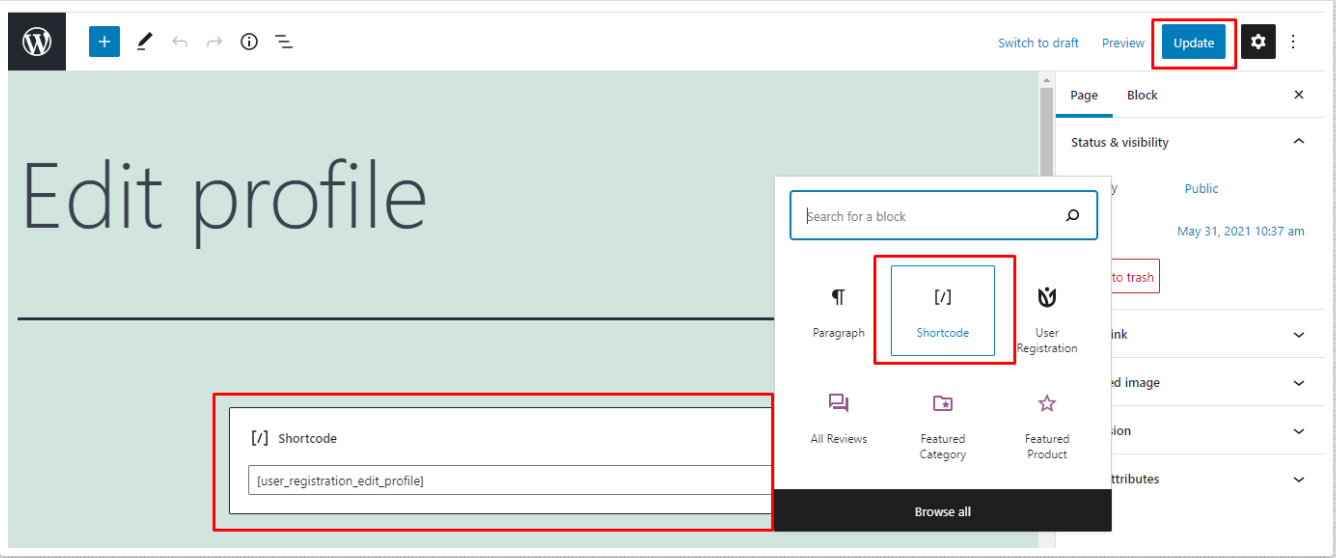
To add Edit Profile shortcode on the page
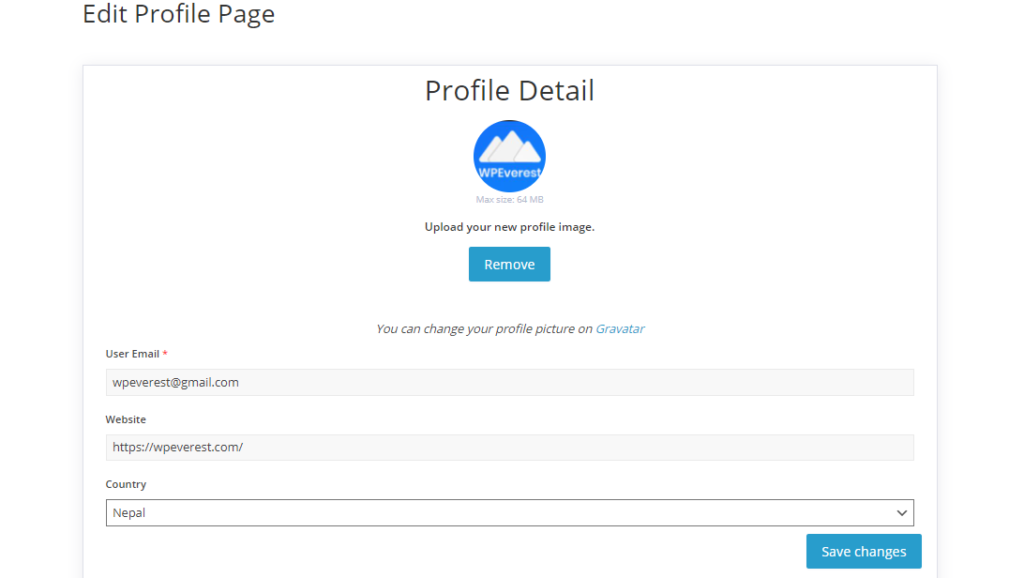
The user must be logged in to view the Edit Profile page.